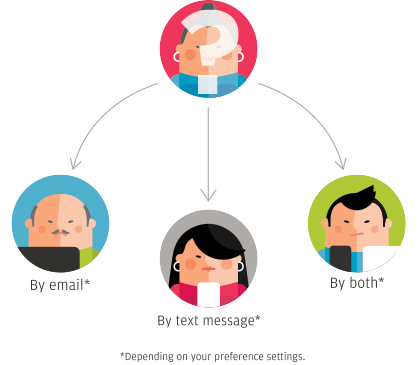
Family Roll Call™ subscribers can Check In using any of these three methods:
 | |
Website
Sign into the website at https://familyrollcall.com.
Click the round button on the "Check In" page.
|
|
|
 | |
Mobile App
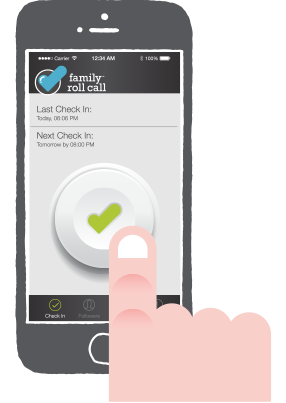
Open the Family Roll Call mobile app on your device.
Click the round button on the Check In tab.
|
|
|
 | |
Reminder Emails
You will receive a reminder email two hours prior to your Check In time if you have not already checked in for the day. The email contains a temporary link to Check In.
|
Reminder Texts
If "Enable Text Notifications" is selected within the "Settings" of your account, you will receive a reminder text message two hours prior to your Check In time if you have not already checked in for the day. Reminder texts do not include a temporary link to Check In since many wireless companies block text messages with website links.






 View Laura's story (30 seconds)